 LocalPilot
A browser agent that runs on your model.
LocalPilot lives in Chrome's side panel. It opens pages, reads them, clicks, types, fills forms and takes screenshots while you watch, powered by Ollama, LM Studio, llama.cpp, vLLM or any OpenAI/Anthropic-compatible server.
- Your real Chrome: your logins, cookies and tabs
- Pages and prompts go only to the model you run
- No account, no subscription, no telemetry
The 60-second tour: the cheapest-book run, approvals and Stop, CAPTCHA checks with a human fallback, saved tasks that replay without the AI, and /test. Download the video
Why LocalPilot
Private by default. In your browser. Under your control.
A side-panel agent that treats your machine as the place where the work happens, not a cloud account.
Private by default
The model is yours. Point it at a local server and no page, screenshot or prompt leaves your machine.
Your real browser
It works in your normal Chrome profile, not in a separate automated browser.
You stay in control
Per-site approvals, “ask before every action”, a plan-first mode, a visible Stop button and pause cards.
Local CAPTCHA help
Opt-in and off by default. When it can't pass a check, it stops and hands the tab back to you.
What it can do
The same browser tools a cloud agent has, plus a few things that only make sense on your own PC.
Browse and act
Reads pages as a compact accessibility tree, clicks by ref or numbered screenshot mark, types, scrolls, handles tabs and dialogs.
Fill forms
React/Vue inputs, selects, checkboxes and web components. Saved values are never shown to the model; password fields are refused.
Collect and export
Extract repeating lists, read a site's own JSON responses, and write CSV, JSON or Markdown into allowlisted PC folders.
Test a website
/test crawls read-only for JS errors, broken links, unlabeled fields, phone layouts and slow pages, then writes a report.
Record
/record … saves a captioned GIF of the task, with a red circle on every click.
Schedule
Run saved tasks daily, weekly or every N minutes, or watch a page and get notified when it changes.
Job search
Recipes for LinkedIn, BOSS直聘, 猎聘, 51job and 智联: collected, de-duplicated and saved as CSV.
Drive it from Claude Code
An MCP server exposes the same tools to Claude Code, in one shared, unfocused window.
CAPTCHA checks
Turnstile, “verify you are human”, checkbox, slider and press-and-hold checks, solved locally when you turn it on.
Examples
What a run looks like.
Every GIF was recorded on a real website by LocalPilot itself. Click one to watch it full size.
CAPTCHA checks
Gets past simple checks, then hands back the hard ones.
With the opt-in solver turned on, LocalPilot clicks checks the way a person would, in your own browser. When it can't pass one (image grids, FunCaptcha), it pauses and tells you.
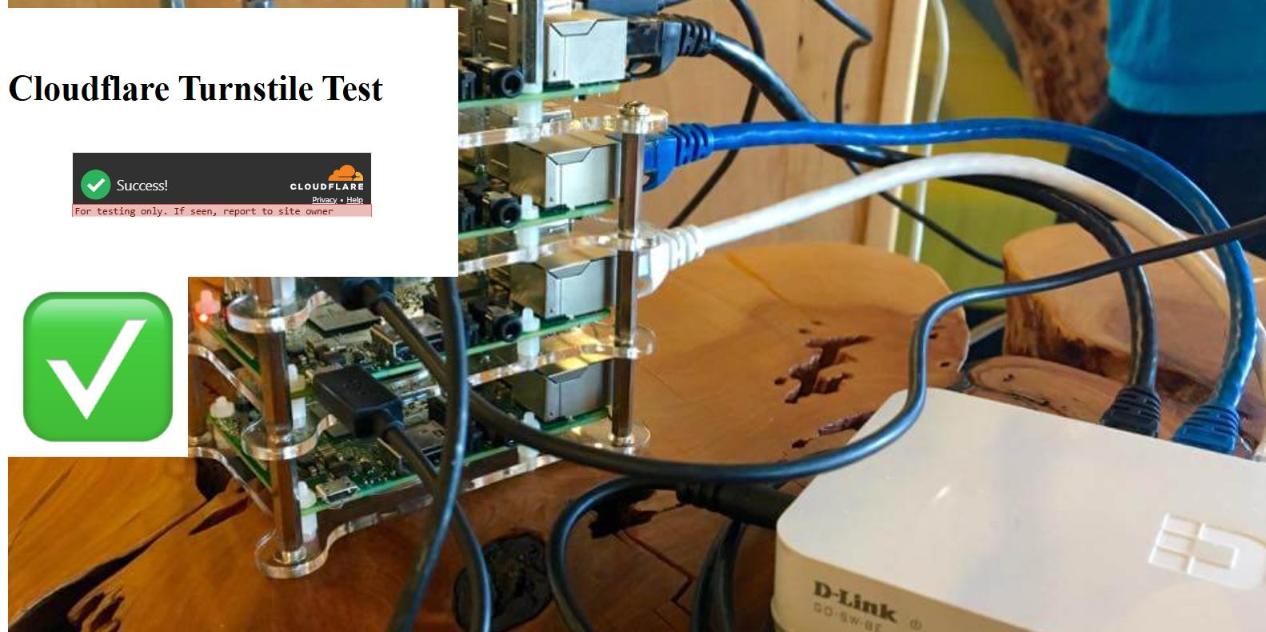
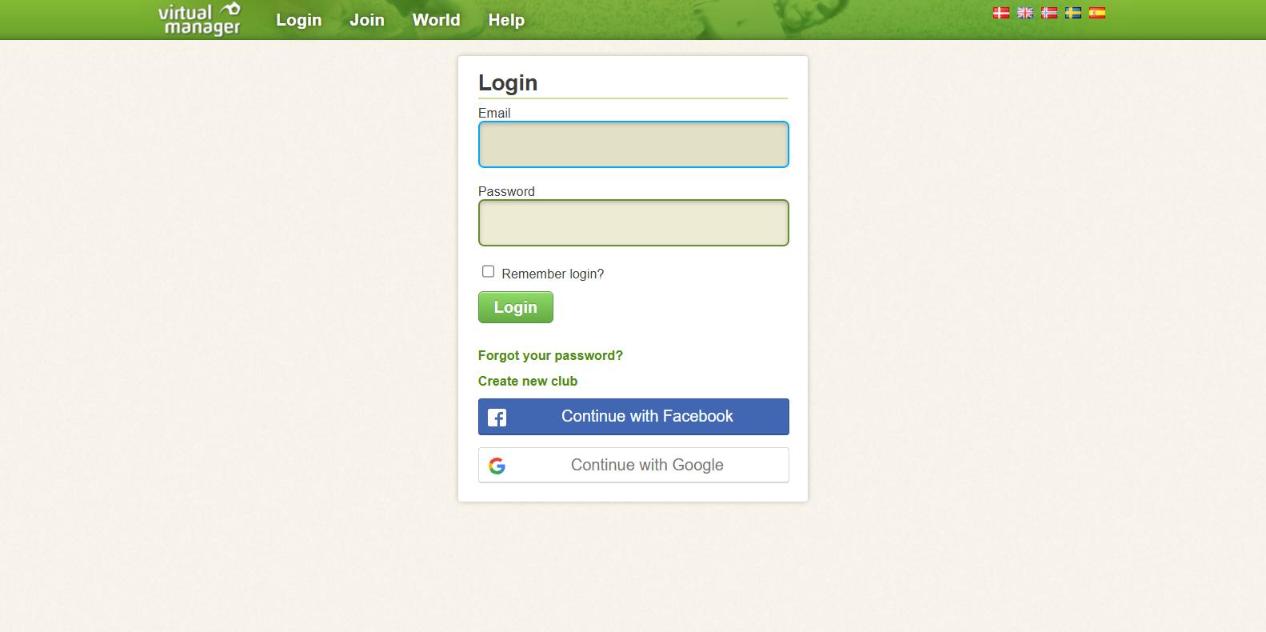

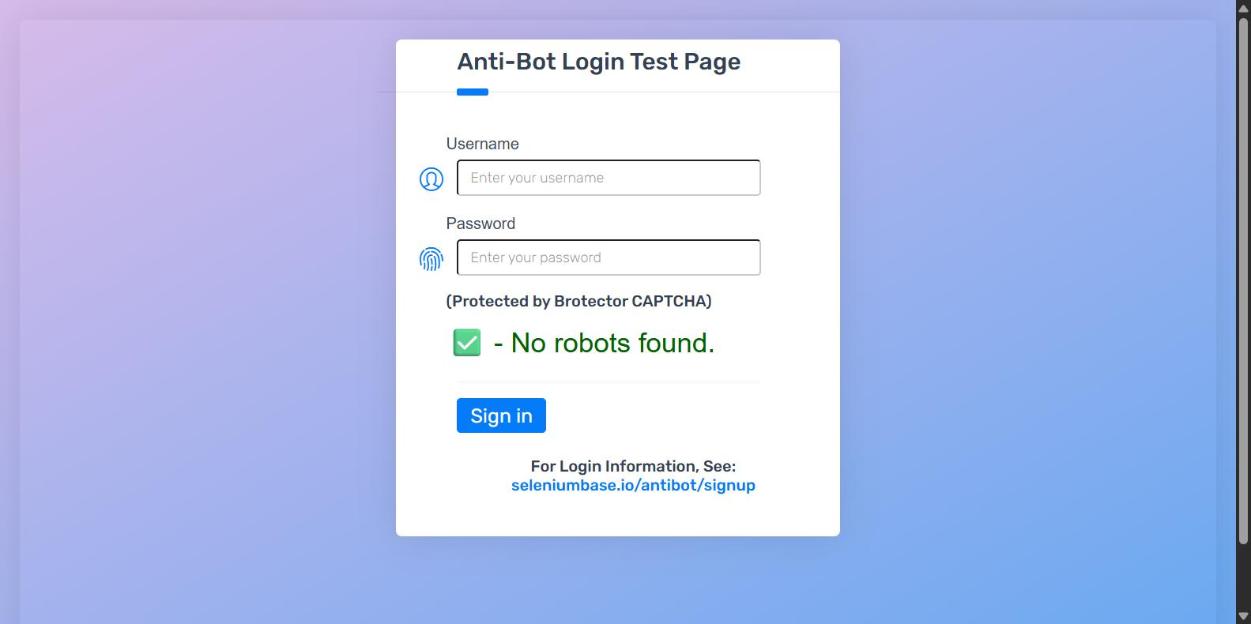
Off by default. Only use it on sites you're allowed to automate. See what was tested →
Claude Code · MCP
Let Claude Code drive your real browser.
LocalPilot ships an MCP server. Claude Code gets the same browser tools (navigate, click, read, forms, captures, recipes), and each session gets its own tab in one shared, unfocused “LocalPilot MCP” window, so sessions never take over each other's tabs, or yours.
Then just ask: “Use localpilot to test http://localhost:3000 for bugs.”
Install
Running in three steps.
No store listing, no sign-up. Load the folder, point it at a model, and ask.
Load the extension
- Download or clone the repo.
- Open
chrome://extensionsand turn on Developer mode. - Click Load unpacked and pick the folder.
- Press Alt+Shift+L to open the panel.
Connect a model
- Pull a vision model with Ollama.
- Allow the extension to call it (Windows, once).
- In the panel: gear → Preset “Ollama” → Test → Save.
Give it a task
- Open any site and the side panel.
- Type what you want done.
- Approve the site once, or always.
LM Studio, llama.cpp, vLLM, LiteLLM and any OpenAI/Anthropic-compatible server work the same way. Full setup guide →
How it compares
Same building blocks, different choices.
The interaction layer is no longer the difference. Where the model runs, what the product may do, and what it costs are.
| LocalPilot | Claude in Chrome | Browser Use | |
|---|---|---|---|
| Where the model runs | Your server: a local LLM or your own endpoint | Anthropic cloud | Any LLM you configure |
| Account needed | None | Paid Claude plan | None for the library; an API key |
| Browser it drives | Your normal Chrome | Your normal Chrome | A local profile or a cloud browser |
| Human control | Site approvals, ask-every-action, plan mode, Stop | Approval modes, safety classifiers | Whatever you code |
| CAPTCHA handling | Built-in, local, opt-in | Prohibited | Cloud browsers only |
| Cost | Free; you bring the model | Subscription | Free library; cloud is paid |
A snapshot from public documentation on 27 October 2026. Full comparison →
Your browser. Your model.
Free and open source under the MIT license.